












































































Finding the right song should not slow down your edit.
Musicbed is built to help filmmakers, editors, producers, and creators discover music faster through search tools designed around real creative workflows.
Whether you know exactly what you need or you’re still looking for the sound that makes the project click, Musicbed’s search tools give you multiple ways to search, refine, save, and license songs from a curated roster of authentic artists.
RELATED READS: How to Choose the Right Demo Reel Music
Musicbed’s platform is built around discovery, with tools that help you move from a broad creative direction to the right song for your project.
Search Built Around Discovery
Musicbed search is designed for the way filmmakers actually look for music.
You might start with a reference song, a specific scene, a mood, a tempo, or a client note. Musicbed gives you several ways to search from those starting points, so you can spend less time digging and more time choosing.
Instead of sorting through endless filler, you’re searching through a curated catalog built for film, TV, advertising, YouTube, weddings, and creative work of every kind.
Search by Song
Search by Song helps you find music based on a song you already like.
When you’ve found something close to the sound you need, you can use it as a starting point to discover more songs with a similar feel. This is especially useful when a reference is working creatively, but you need more options for the edit, the client, or the final license.
It’s a faster way to build around a direction that already feels right.
Search by Segment
Sometimes the part of the song that matters most is not the beginning.
Search by Segment helps you search from a specific section of a song, making it easier to find music that matches the moment you’re actually cutting to. Whether you need a build, a drop, a quiet bridge, or a final lift, this feature helps you focus on the section that serves the edit.
For filmmakers, that kind of precision matters. You’re not just looking for a good song—you’re looking for the right moment inside the song.
Skip to the Heart of a Song
Some songs take time to open up. Musicbed helps you skip to the heart of a song so you can hear its most useful moments faster.
This makes browsing more efficient, especially when you’re reviewing a large number of options. You can quickly hear where a song goes, how it builds, and whether it has the emotional payoff your project needs.
Similar Songs
Once you find a strong option, Similar Songs helps you keep moving in the same creative direction.
This feature is useful when a song is close, but not quite right. Maybe you need a different vocal, a softer build, a faster tempo, or a cleaner ending. Similar Songs helps you explore related options without restarting the search from scratch.
It turns one good discovery into a stronger shortlist.
Advanced Search Filters
Musicbed’s advanced search filters help you narrow your results with more control.
Use filters like key, beats per minute (BPM), build, mood, genre, vocals, instruments, and more to find songs that match your project’s creative and technical needs.
RELATED READS: Case Study: 3 Ways Editor Lucas Harger Selected Music for An 8 Episode Docuseries
Need something that builds slowly? Filter for it. Need a specific tempo range? Narrow by BPM. Need a song with vocals, no vocals, or a specific energy level? Use filters to get closer faster.
For editors working against deadlines, these tools help make search more focused and efficient.
Include and Exclude
A good search tool should help you find what you want—and remove what you don’t.
Musicbed’s include and exclude options let you refine results with more intention. You can include elements that matter to your project and exclude elements that are not working.
That means fewer irrelevant results and a cleaner path to the songs that fit.

Projects and Favorites
Music discovery rarely happens all at once.
Musicbed’s Projects and Favorites help you save and organize songs as your search develops. Use Favorites to keep quick selects on hand. Use Projects to organize songs by film, campaign, client, scene, or edit.
This is especially helpful when you’re comparing options, sharing selects, or returning to a search after feedback.
Expandable Player
The expandable player keeps your search experience moving.
You can listen, browse, review details, and stay inside the discovery flow without constantly opening new pages or losing your place. It’s a simple workflow feature that makes it easier to evaluate songs quickly and keep your shortlist organized.
RELATED READS: The Art and Science of Music Selection With Joanna Batemits
Curated Playlists
Musicbed’s curated playlists give you a faster way to start your search.
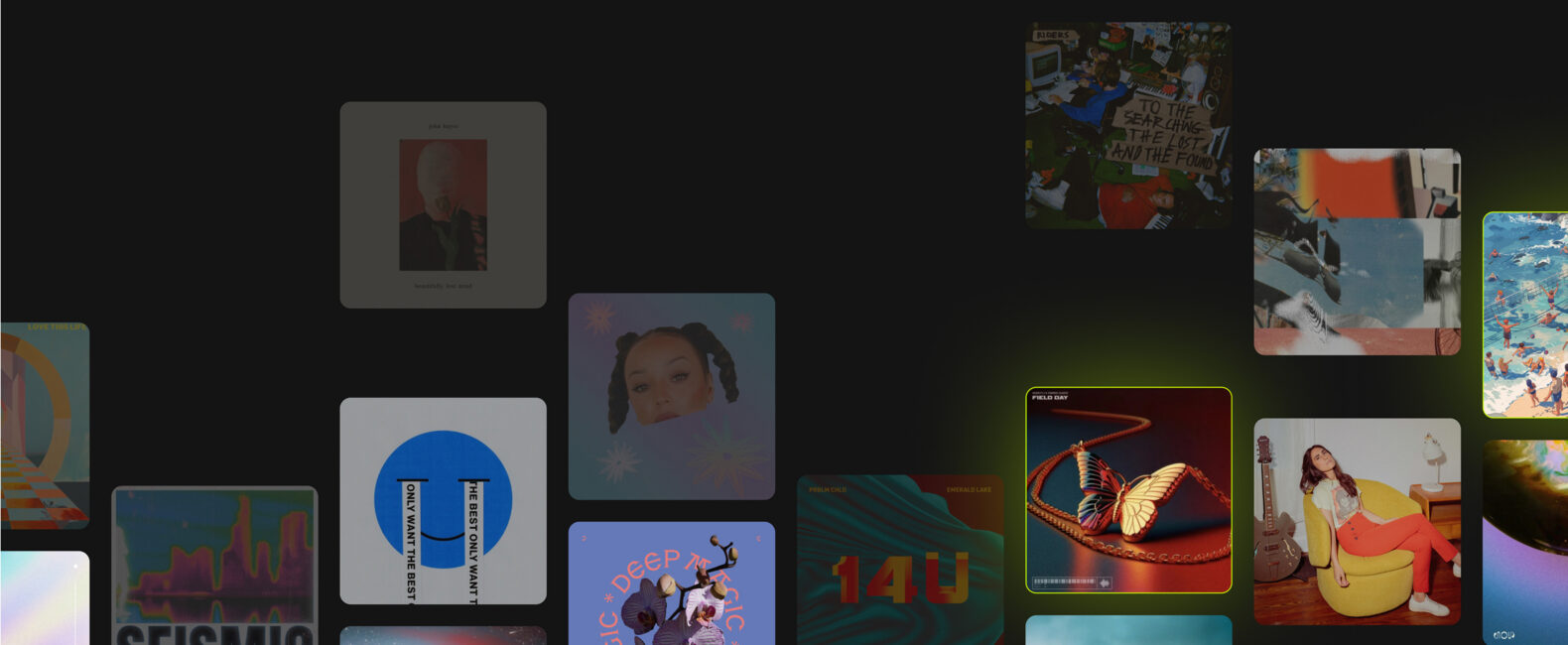
Instead of beginning with a blank search bar, you can browse playlists built around vibes, genres, styles, trends, and creative needs. These playlists are designed to help you find relevant music quickly, especially when you know the feeling you want but not the exact sound.
Musicbed also offers playlists curated by Friends of the Brand and Musicbed staff, giving you a more intentional starting point for discovery. These playlists add a human point of view to the search process, helping you browse music selected by people with a strong sense of taste and creative context.
Mobile App for Discovery
The Musicbed mobile app helps you discover music wherever you are.
Browse, listen to, and save songs from your phone so you can keep searching outside your edit bay. Whether you’re on set, traveling, or reviewing ideas away from your desk, the app keeps music discovery accessible.

You can download the Musicbed mobile app for both Android and iOS.
RELATED READS: The All-New Musicbed Mobile App: Redesigned for Music Discovery and Collaboration on the Go
SyncID for YouTube Claims
For YouTube creators, Musicbed’s SyncID helps clear copyright claims quickly after licensing music.
This makes publishing smoother and helps reduce delays once your video is ready to go live. For creators posting consistently, SyncID is a practical tool that keeps the workflow moving from discovery to upload.
RELATED READS: Elevate Your YouTube Content with Licensed Cinematic Music
Label Partners and Collections
Musicbed’s curated collection also includes label partners and focused collections that help you search with more direction.
The Classical Collection gives filmmakers access to timeless, cinematic music for scenes that need orchestral depth, elegance, or emotional weight. The Vintage Collection helps you find songs with a more nostalgic, era-specific feel.
RELATED READS: How Sun Records Saved a Lost Collection of Legendary Music
Musicbed also features label partners and collections like bitbird, giving creators access to distinctive artists and sounds within the Musicbed catalog.
These collections make discovery more focused, helping you find music that fits a specific tone, genre, era, or creative direction.
Find the Right Song Faster
Musicbed search is built to help you find music with more speed, precision, and creative control.
With Search by Song, Search by Segment, Similar Songs, advanced filters, include and exclude tools, Projects, Favorites, curated playlists, mobile discovery, SyncID, and focused collections, Musicbed gives you more ways to find the right song for your project.
Start with a mood. Search from a reference. Refine by tempo, build, or key. Save your selects. Keep moving.